
AGE-BASED FILTERING
More room to learn.
Better boundaries to grow.
Start with age-based settings, then make adjustments for your child and your family.

A STARTING POINT, NOT A SUBSTITUTE
Keep the conversation
in the picture.
Filters can help guide access to online content. They work best alongside conversations about what children see, what feels uncomfortable, and when to ask for help.
Open the digital parenting guideIN THE GRYPHON CONNECT APP
Set a starting point.
Make it their own.
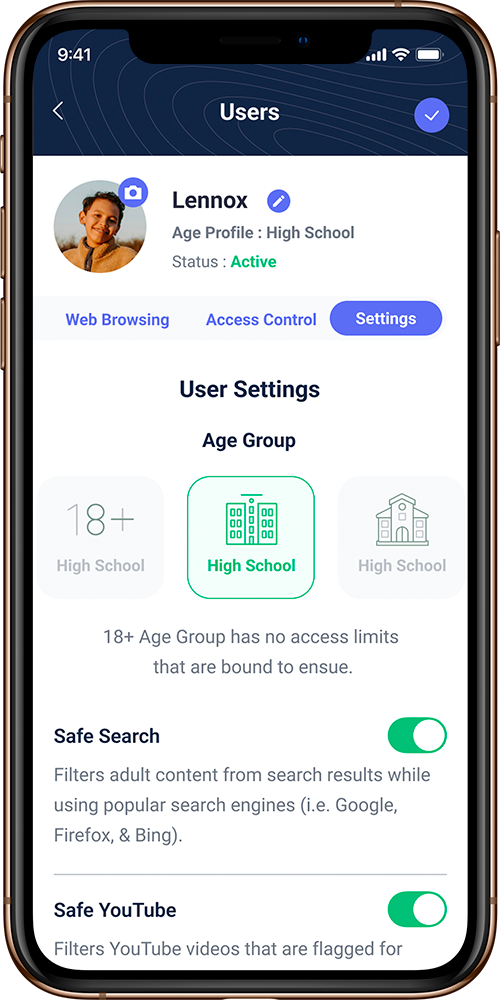
Choose age-based settings
Use your child’s profile to choose an age-appropriate starting point for content access.
Personalize what works for your family
Review the available filtering settings in the app and adjust them to suit your household.
Revisit as they grow
Check in together as routines, devices, and needs change. Features depend on your router and plan.
A CLOSER LOOK AT ACCESS
The apps they use.
The boundaries you choose.
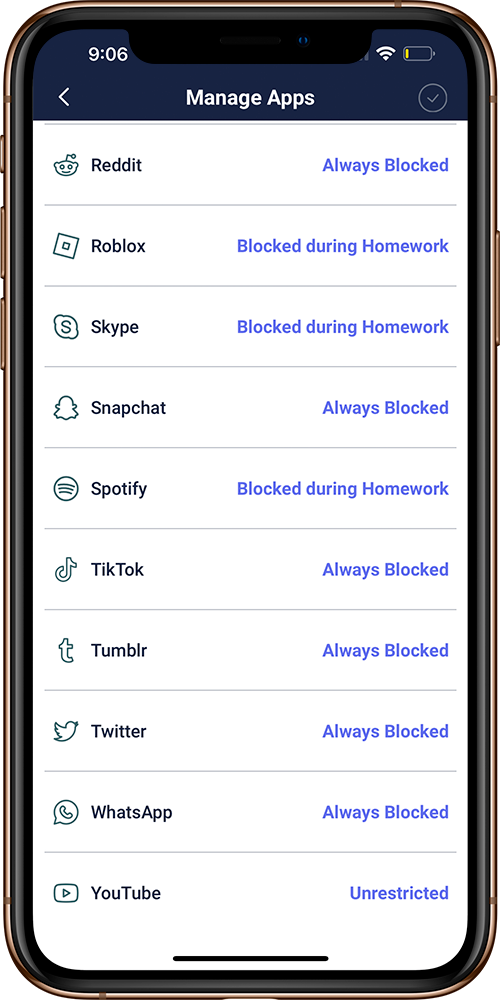
Alongside age-based content settings, review the app controls available to your family. Keep the conversation open as their needs change.
Actual app screen shown. Features and filtering coverage depend on router, app version, and plan.
Explore the family app